
The schedule changes everywhere except the whiteboard
A rider reschedules, a horse needs a different plan, or a staff assignment changes. Separate calendars and group texts make one update become several.
OnStride connects horses, people, schedules, barn tasks, billing, and payments in a system configured around the way your lesson program operates. Each rider, parent, trainer, and staff member can have an account that shows exactly what they need.
A focused 45-minute walkthrough of your operation.
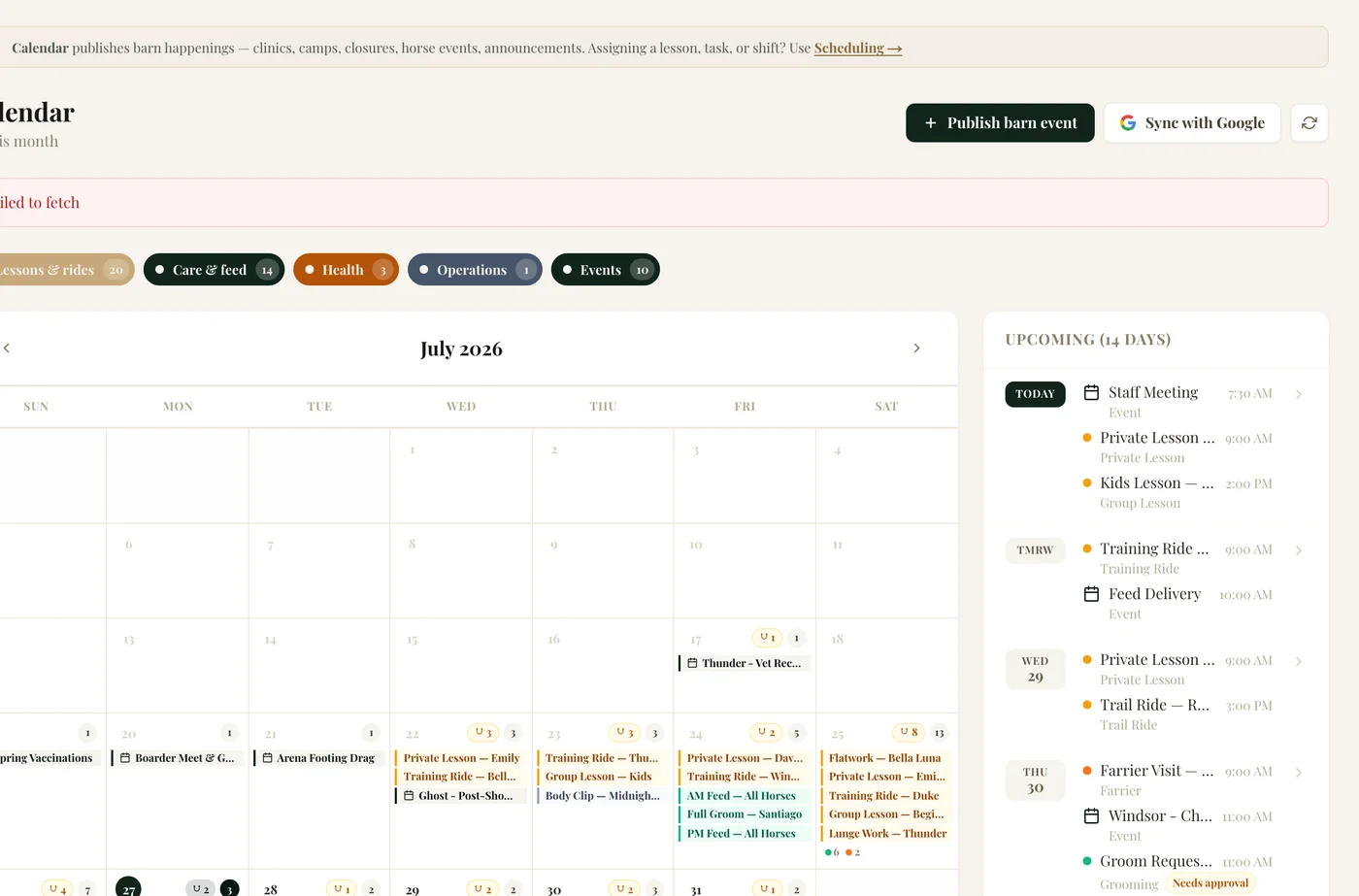
A rider reschedules, a horse needs a different plan, or a staff assignment changes. Separate calendars and group texts make one update become several.
Records, care information, schedules, and daily tasks lose value when the team has to open different tools to understand the same day.
Questions, invoices, payments, and schedule details create administrative work that keeps returning to the barn owner or manager.
Your lesson program has its own rhythm, people, and rules. OnStride is configured around that reality, then gives everyone a cleaner way to move through the day.
See how implementation worksBring lesson timing, horse context, staff responsibilities, and other barn events into a connected view that the right people can access.
Horse profiles, documents, feed information, medication details, and notes stay organized around the horse instead of scattered around the office.
Coordinate the barn responsibilities that make the program run, with clear visibility into what needs attention and who has access to handle it.
Manage invoices and payments in the same system as horses, people, and schedules, reducing the handoff between operations and the office.
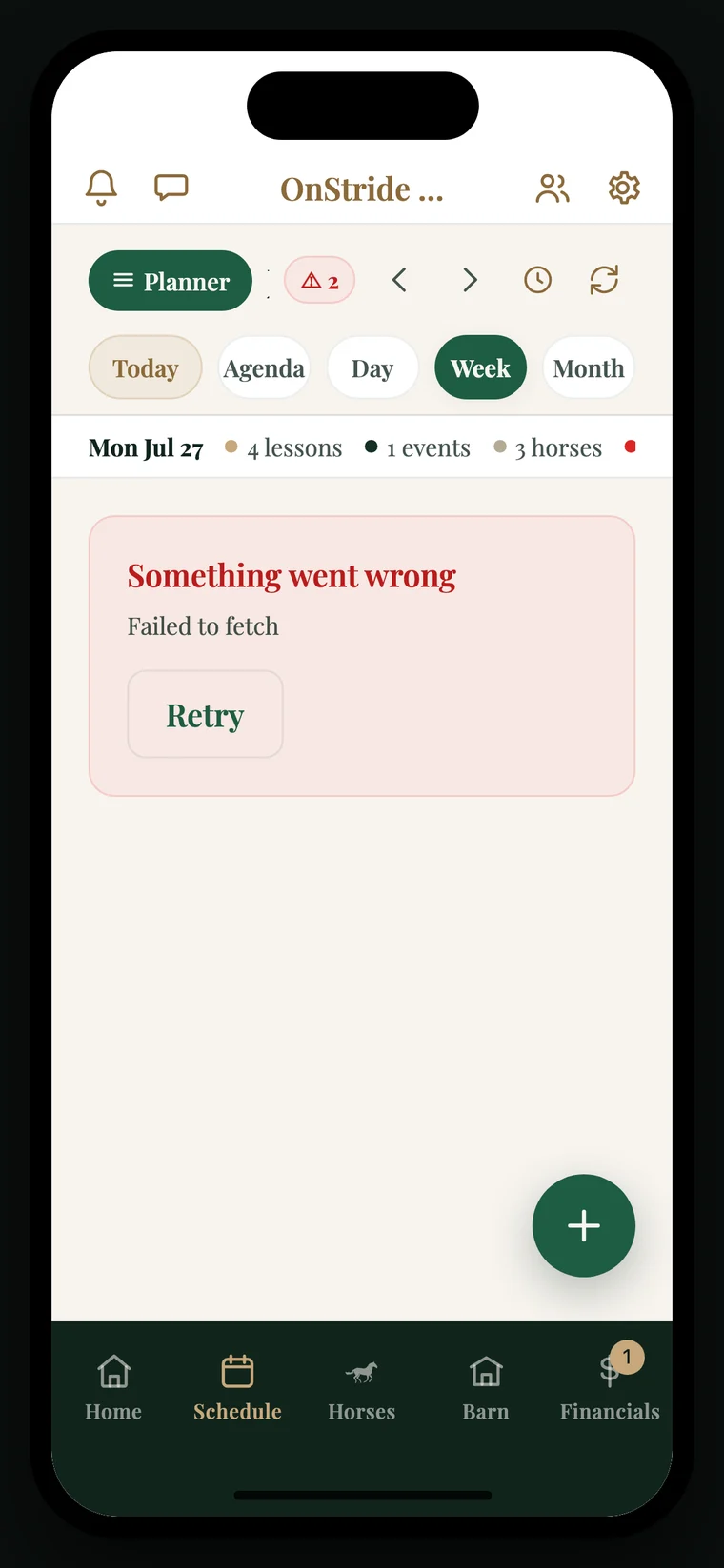
Every person can have an individual OnStride account. A rider or parent does not need the same view as a trainer, and a trainer does not need the same control as barn leadership. Access is shaped around what each person needs to see and do.
From a focused lesson program to a larger riding school with boarding and training mixed in, OnStride is configured around the whole operation, not only the lesson calendar.
Talk Through Your BarnStill wondering how this would fit your operation? Bring the missing workflow to the demo. If it exists, we will show you. If it does not, we will learn it properly and explore building it with you.
It is a connected barn management system. Schedules work alongside horse records, feed and medication information, tasks, individual accounts, billing, and payments.
Every person can have an individual account. Permission-based access lets the barn decide what each rider, parent, trainer, staff member, or manager can see and do.
Yes. Every OnStride setup is configured around the operation. Two lesson barns can use the same platform while having different systems, access, and workflows.
Yes. OnStride is built for the whole barn, so a lesson program can be managed alongside boarding, training, showing, or other parts of the operation.
Show us how your barn works today. We will show you what it looks like when the horses, people, work, and money finally move through one system.
Book Your Demo